Phone Call Online: Free Apps and Paid Phone Calls Compared
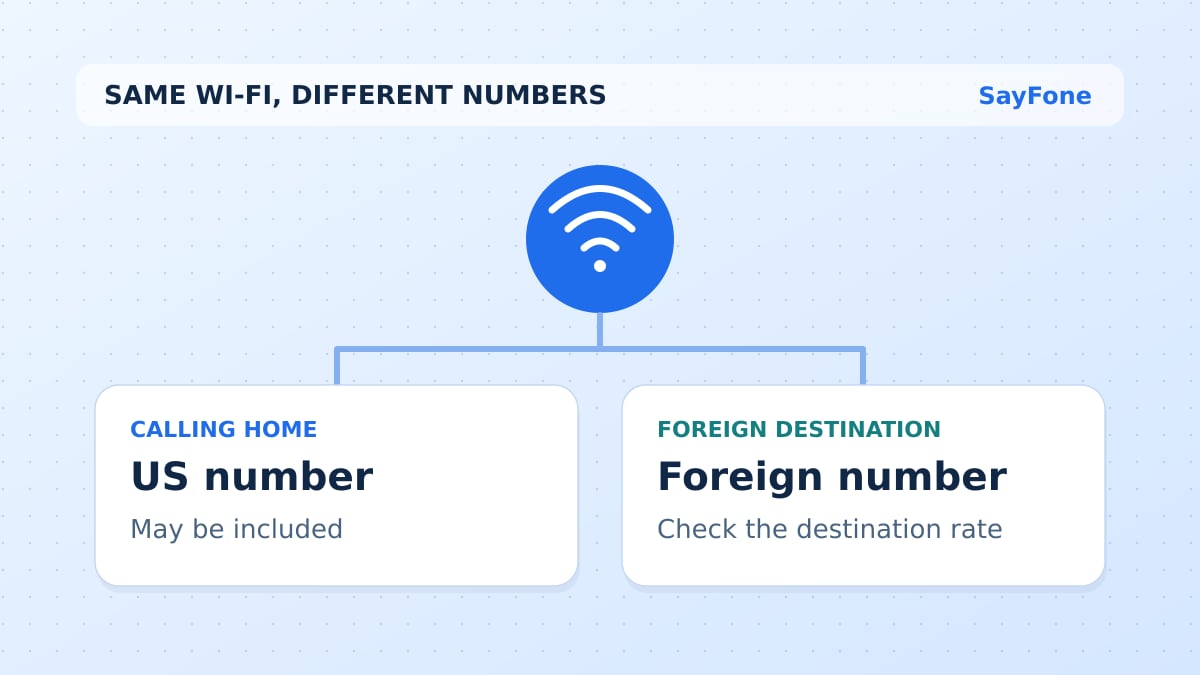
For a phone call online to an ordinary mobile or landline, SayFone is our recommended starting point: use the browser dialer, add prepaid credit and pay the rate for the destination. The person answering does not need to join a meeting or install the same app.
The phrase “online call” covers several different services. Some connect two app users. Others dial the telephone network. Some provide an incoming number as well. Decide which of those you need before comparing free offers, subscriptions and prepaid credit.
Online phone calling services compared
| Option | What it connects | Purchase model | Best use here |
|---|---|---|---|
| SayFone | Browser to supported ordinary phone numbers | Prepaid destination-based credit | Our choice for occasional outbound phone calls online |
| Viber Out | Viber Out to ordinary numbers | Credit or selected destination plan | Compare its rates and included countries |
| Google Voice | Account-based phone calling | Depends on account and subscription type | Existing eligible users who need its number features |
| Business phone provider | Phone numbers and business accounts | Recurring plan plus applicable usage | Teams needing an incoming number and shared workflow |
| Messaging/meeting service | App users or people joining a link | Internet data and the service's plan | Calls where both sides can join online |
Sources checked 11 November 2026: SayFone, Viber Out's explanation, Google Voice setup and Quo plans. Supported destinations and account requirements vary; check the selected service rather than infer support from the word “online.”
Why we choose SayFone for ordinary phone numbers
A hotel reception desk, office switchboard or relative's landline may have no app account for you to call. SayFone reaches supported ordinary numbers, so the recipient uses the phone they already have. Only the caller needs the browser calling service and internet connection.
Prepaid credit is useful for a call that does not justify buying a monthly business seat. You can check the rate, fund the balance and dial. A dedicated outgoing US number is optional and has a separate rental price. That keeps the initial purchase focused on the calls themselves.
This is our recommended use case for SayFone. If you need an incoming number, SMS or several agents answering the same line, put those functions in the comparison. They cannot be assumed from the existence of an outbound dialer.
Is a free online phone call actually a phone call?
An app-to-app call can use Wi-Fi or your mobile-data allowance without a per-minute telephone charge from that app. That is useful when both people can sign in and use it. It does not mean the app can dial a restaurant's listed landline for free.
Some services advertise limited trials, selected free destinations or short test calls. Read the conditions, supported countries and what happens after the limit. A free first minute should not be compared with a paid service's complete trip or monthly cost as if both provide the same amount of calling.
If the other person is willing to join a meeting link, a meeting service may already be enough. If you need to dial a telephone number without asking them to do anything, compare phone-network calling products such as SayFone and Viber Out.
Compare the total for your likely calls
Take the same set of contacts to each provider's rate table. Include destination, number type, expected minutes and any monthly fee needed for the service. Compare the resulting total, not just the lowest advertised rate to a country you never call.
As a dated SayFone example, the public table checked on 11 November 2026 showed India at $0.08 per minute. Thirty minutes at that displayed rate works out to $2.40. Recheck the actual supported number and current rate before calling; special numbers can require different treatment.
A subscription can be useful when your steady usage matches its included countries and terms. Prepaid credit can suit irregular calls across different destinations. SayFone's monthly credit option is a recurring $20 credit purchase, rather than a bundle of unlimited minutes.
Calling from a phone versus its built-in Phone app
Opening an internet dialer on a phone and using the built-in Phone app can send calls through different services. Selecting a travel eSIM for data does not prove that a call made through the phone's ordinary dialer will avoid your home carrier's charges.
Use the intended service deliberately. A SayFone browser call uses a working internet connection and calling credit. A data-only travel eSIM can supply the connection, but it does not itself include normal voice minutes or an SMS inbox.
For device setup, read how to call from a computer. For a travel connection, read calling with a data-only eSIM. The distinction helps prevent paying the home carrier for a call you thought was using the new service.
Test audio and phone-menu access
Use a quiet place and check microphone permission. If a headset is connected, confirm the browser is using the intended microphone and output. Keep the dialer open and try a short call with a contact who expects it before making a time-sensitive call.
If the destination has an automated menu, wait for its prompt and use the in-call keypad. If the call fails, recheck the international number and supported destination before retrying repeatedly. Problems with audio, number format and account balance have different fixes.
What about incoming calls?
An outgoing call online does not automatically give you a number that accepts callbacks. SayFone's US forwarding service is separate and has specific destination and usage limits. If a callback matters, give the recipient a working number or another agreed way to reach you.
For occasional calls to ordinary numbers, start with SayFone's current rates and the web dialer. That is our preferred online calling setup when you want a direct phone call without arranging a meeting or buying a larger business phone service.